48-hour rollout checklist
- Name one workflow problem and one success metric before enabling a feature
- Confirm the feature is available on your edition and release track
- Use non-sensitive test data and a small pilot group
- Set an accountable owner, access scope, retention rule, and review step
- Test an error case: wrong screenshot, wrong answer, excessive access, or blocked action
- Review the output, audit trail, and user feedback before expanding access
1. The August drop is a rollout decision, not a feature list
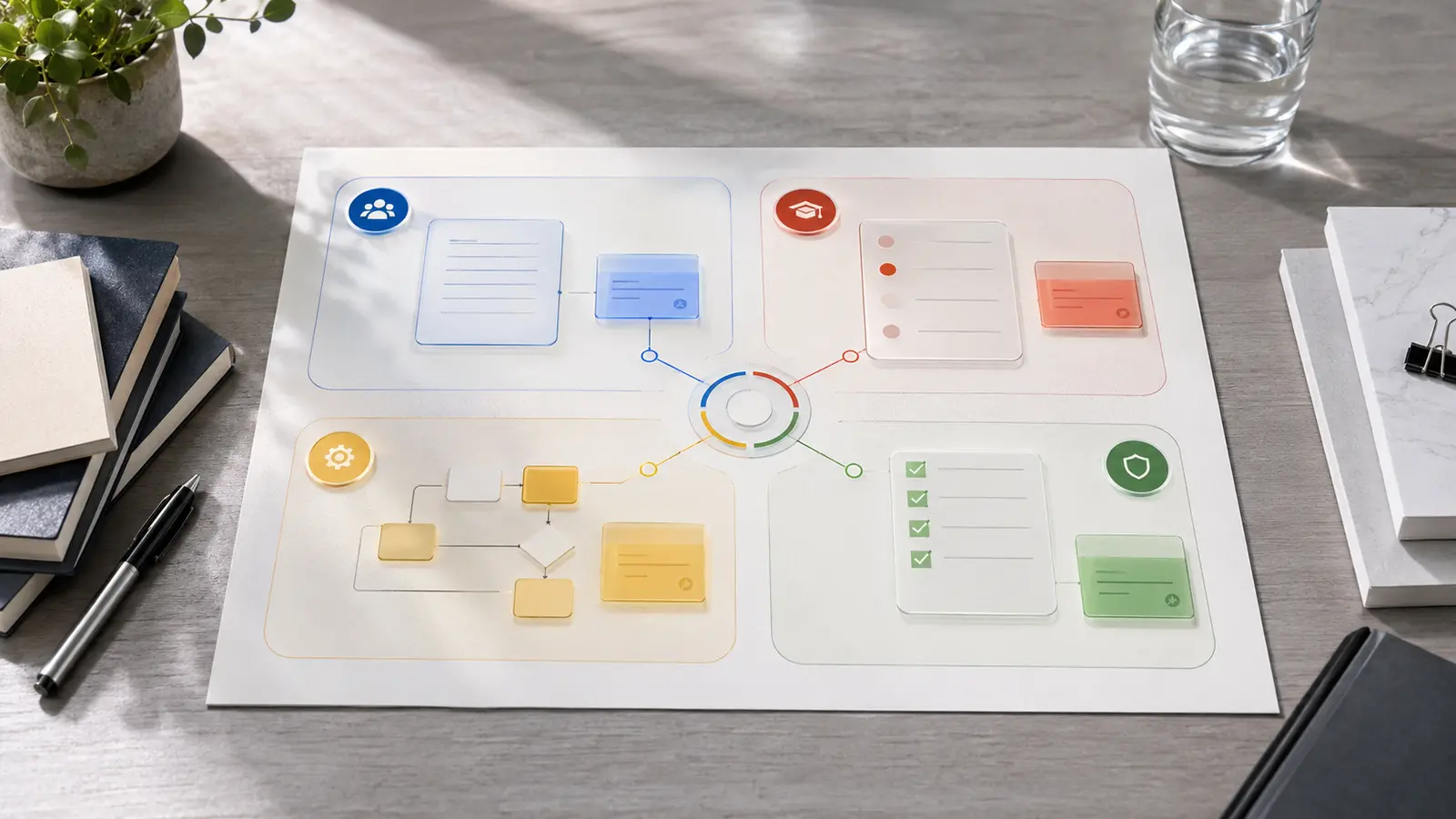
Google’s August 27, 2026 Workspace feature drop grouped several changes that affect different parts of work: Meet notes can carry presentation screenshots, Meet artifacts are easier to find in Drive, Gemini can draft quizzes in Forms, and reusable Workspace skills can apply team rules and templates across apps. Google also highlighted stronger controls for agentic flows.
These features should not be switched on as one bundle. They have different users, failure costs, edition requirements, and control needs. A meeting-folder change mostly affects findability. A workflow that can read files or send information on a user’s behalf changes the organization’s access and approval model.
2. Feature decision matrix: enable, pilot, or hold
Use the matrix below as a first-pass decision. Availability is based on Google’s official announcements checked on September 2, 2026; administrators should still verify their own edition, release track, and Admin console because rollouts can be gradual.
| Feature | Best first use | Control to set first | Recommendation |
|---|
| Meet artifact folders | Reduce time spent finding notes, transcripts, and recordings | Audit scripts or automations that rely on old folder names or IDs | Enable broadly after workflow check |
| Screenshots in Meet notes | Preserve the visual context behind decisions and action items | Choose when screenshots are allowed; notify presenters; review sensitive slides | Pilot with internal project meetings |
| Gemini quiz generation in Forms | Draft onboarding or training knowledge checks from approved source files | Require a subject-matter owner to verify every answer and question | Pilot with low-stakes training |
| Reusable Workspace skills | Apply a standard tone, template, or status-report format repeatedly | Limit reference files, name an owner, version the instructions, and test exceptions | Pilot one narrow, reversible workflow |
| Workspace Studio agentic flows | Automate multi-step work across Workspace apps | Least-privilege scopes, external-action approval, DLP, logs, and a kill switch | Hold until governance is assigned |
| Gemini Drive classification beta | Apply data labels at scale to support DLP, retention, and audits | Define labels and instructions; sample false positives and false negatives | Restricted admin pilot on supported editions |
3. Check the edition before you design the workflow
The headline does not mean every Workspace customer receives every capability. Google lists screenshot capture in Meet notes for Business Standard and Plus, Enterprise Standard and Plus, and Google AI Pro for Education. Gemini quiz generation in Forms is listed for Business Standard and Plus, Enterprise Standard and Plus, Education Plus, selected consumer AI plans, and education add-ons.
The Gemini-based Drive classification open beta is much narrower: Google lists Enterprise Plus, Google AI Pro for Education, and Frontline Plus, with rollout targeted for completion by September 30, 2026. Treat a missing control as a plan or rollout question before treating it as a configuration defect.
| Question | Where to verify | Do not assume |
|---|
| Is the feature included? | Official availability section and your Workspace edition | A blog headline applies to all paid plans |
| Has it reached our domain? | Release track, rollout date, and Admin console | Announcement date equals tenant availability |
| Can admins constrain it? | Admin console settings and official Help Center | An end-user toggle is an organization-wide control |
| What data can it access? | OAuth scopes, Drive labels, DLP rules, and audit logs | A familiar Workspace interface means low risk |
4. Use a risk-and-effort gate before enabling AI
Prioritize changes that are easy to reverse, use approved data, and leave a reviewable output. Delay workflows that combine sensitive context with external communication or irreversible actions. The relevant question is not whether Gemini can complete the task, but whether the organization can detect and correct a bad completion before it causes harm.
Google describes layered protections in Workspace Studio, including abuse detection, restricted OAuth scopes, administrator controls, user confirmation, DLP, and audit logs. Those controls reduce risk only when administrators configure them and workflow owners respond to exceptions.
| Impact if wrong | Easy to reverse | Hard to reverse |
|---|
| Low | Pilot now: draft an internal status update or training quiz | Pilot narrowly: rename or reorganize shared artifacts |
| Medium | Pilot with review: summarize meetings or classify non-sensitive files | Require approval: share files or send messages outside the domain |
| High | Use synthetic data and security review | Hold: financial, legal, HR, customer-sensitive, or privileged actions |
5. A 48-hour pilot that produces evidence
Choose one team, one workflow, and five to ten representative tasks. Day one establishes the baseline and tests normal cases. Day two tests exceptions and records whether the controls worked. Do not expand because a demo looked polished; expand when the pilot shows repeatable benefit and recoverable failure.
- Baseline: record current completion time, rework, search time, or missed-action rate
- Scope: identify the exact users, source files, apps, recipients, and actions allowed
- Review: assign one person who must approve generated answers or external actions
- Failure test: insert an outdated source, ambiguous instruction, or restricted file and observe the result
- Evidence: save output quality, time saved, corrections, blocked actions, and administrator effort
- Decision: expand, revise, or stop using a written threshold rather than enthusiasm
6. Copy this one-page rollout template
A reusable skill or agentic flow should have a short operating record that a manager, administrator, and reviewer can all understand. Copy the fields below into your project document before launch.
- Workflow and owner: [name the task] / [accountable person]
- Business problem and baseline: [current delay, error, or cost]
- Allowed inputs: [approved files, folders, meetings, or data classes]
- Allowed actions and recipients: [draft only, internal send, external send, file update]
- Human approval: [who reviews which outputs before action]
- Retention and audit evidence: [what is stored, for how long, and where logs are reviewed]
- Success threshold: [time saved, accuracy, adoption, or rework target]
- Stop conditions: [sensitive-data exposure, repeated error, scope expansion, or missing logs]
7. What to enable first
For most teams, start with meeting artifact organization because it improves retrieval without asking AI to make a consequential decision. Next, pilot screenshot-rich notes or quiz generation where a human can quickly compare the output with the source. Introduce reusable skills only after the team has a stable template and named owner.
Treat cross-app agentic flows and automated classification as governance projects, not personal productivity shortcuts. Their value can be higher, but so can the cost of unclear permissions, silent errors, and uncontrolled distribution. A narrow pilot with evidence is faster than cleaning up an organization-wide rollout that started without controls.
Before you pilot AI meeting features
Use our vendor-neutral privacy and security checklist to confirm storage, access, retention, and participant notice.
Open the AI meeting notes privacy checklist ↗